
Site Ranking Checker Google: A Better Way To Spot Real Progress Vs Search Noise
Table of Contents
- Choose a checker based on the question you need answered
- Google Search Console: a history of your site’s performance
- Live SERP checkers: a snapshot of Google’s visible results
- How to choose your checking method without chasing noise
- A repeatable process for checking rankings
- Common mistakes that make ranking data misleading
- Turn ranking observations into useful SEO work
- Frequently Asked Questions
- Conclusion
The easiest way to misread Google rankings is to check one keyword once, see a position change, and call it progress or a penalty. A site ranking checker Google search can show you where a page appears, but a single result is only a snapshot shaped by location, device, query wording, and changing search features. The better approach is to compare like with like, then look for a pattern that connects ranking changes to impressions, clicks, and the page Google is showing. This guide explains how to choose a checking method, build a repeatable routine, and avoid common interpretation mistakes. You will leave with a practical framework for distinguishing meaningful movement from normal search noise.
Choose a checker based on the question you need answered
Google Search Console is best for understanding how your own verified site performs over time; a live SERP checker is best for inspecting what Google displays for a query in a particular location. Neither view alone tells the whole story. Use Search Console for historical impressions, clicks, and average position, then use a live checker to inspect the current result page and its features.
| Feature | Google Search Console | Live SERP checker |
|---|---|---|
| Main purpose | Review your site’s Google Search performance | Inspect visible results for a query |
| Data perspective | Historical performance for verified properties | Search results at a selected point and location |
| Useful signals | Clicks, impressions, CTR, average position | Ranking pages, competitors, SERP features |
| Best comparison | Page and query trends over time | Location- or query-specific result snapshots |
| Pricing | Free | Free options are available; paid plans vary |
| Best for | Site owners diagnosing trends | SEO practitioners checking current SERPs |
A useful workflow starts by asking what decision you need to make. If you want to know whether a page’s visibility changed over several weeks, begin in Search Console. If you need to see whether a local result, news box, or AI Overview is affecting the page layout, inspect the live results as well.
For practical context, see this guide to Google SEO ranking benchmarks. The central distinction is simple: Search Console reports how your property performed, while a SERP checker shows a version of the results page. Their numbers can differ without either view being useless.
Google Search Console: a history of your site’s performance
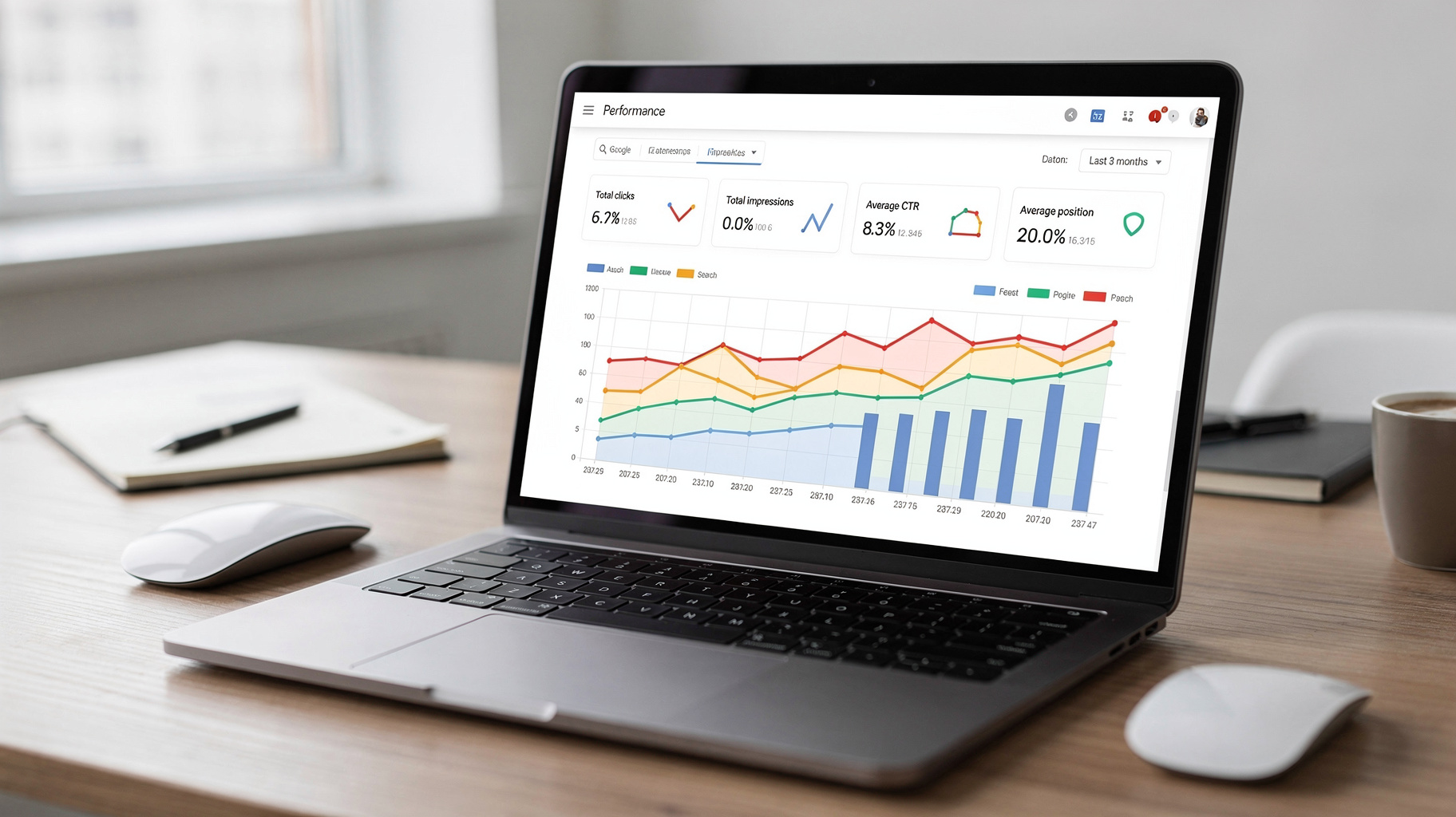
Google Search Console (GSC) is Google’s free service for site owners to monitor how their pages appear in Google Search. It is not a live rank tracker that promises one fixed position for every searcher. Instead, its Performance report helps you evaluate clicks, impressions, click-through rate, and average position across selected dates, queries, pages, countries, and devices.
That history makes GSC a strong starting point when you want to separate a lasting change from a temporary fluctuation. For example, if a page’s average position shifts but its impressions and clicks remain broadly stable over a comparable period, the position change may not warrant an immediate content rewrite. If impressions fall across the same query group and page, you have a clearer reason to investigate demand, indexing, competition, or the search results themselves.
Strengths:
- First-party performance reporting. GSC provides data about your verified site’s search performance rather than estimating traffic from a third-party model. That makes it a sensible reference point for trends in impressions, clicks, and reported average position.
- Useful filters for diagnosis. You can compare pages, queries, countries, and devices to narrow down where a change is happening. This helps you avoid treating a site-wide average as if every page or audience experienced the same movement.
- Good for trend checks. Date comparisons can reveal whether a change persists beyond one day. That is more useful for editorial decisions than reacting to a single rank observation.
Weaknesses:
- Average position summarizes a range of impressions and can obscure variation by searcher, context, and result layout.
- GSC does not replace a live inspection of the full SERP or provide a simple, fixed position that every user sees.
Pricing: Free.
Best for: Site owners, editors, and SEO practitioners who need to understand performance trends for their own verified website.
Live SERP checkers: a snapshot of Google’s visible results
A live SERP checker shows the results Google returns for a query under a selected search context, such as a location or language. Tools including Semrush’s free SERP Checker and Ahrefs’ SERP Checker can help you inspect a results page, identify ranking URLs, and observe search features. These tools answer a different question from GSC: what does the results page look like for this query and context right now?
That distinction is useful when rankings differ by geography or when a search page includes features that change what users see above or alongside traditional blue links. News results, local listings, video, and AI-generated result features can affect visibility even if a page’s standard organic position appears unchanged. A checker can help you see those elements, but you should not treat one snapshot as a universal ranking for every visitor.
Use a live checker to investigate a specific observation. If GSC suggests a page has lost visibility for a query, check the current SERP to see whether a competitor has moved up, Google is displaying a different page from your site, or a prominent feature is taking attention. For a quick-check workflow, see this Google keyword ranking checker guide.
Strengths:
- Immediate SERP context. You can inspect the ranking pages and visible result features for a particular query instead of relying only on a summarized performance report.
- Location-aware checks. Regional settings can help you investigate why a search appears different in one target market than another.
- Useful for competitor review. Seeing which URLs currently appear can suggest whether the results favor product pages, guides, local businesses, or other formats.
Weaknesses:
- A snapshot reflects a selected context and moment, not a guaranteed position for all users or future searches.
- One-off checks do not show whether a movement has lasted or affected real clicks and impressions.
Pricing: Free checker options are available; paid plans and limits vary by provider.
Best for: Marketers and site owners who need to inspect current Google results, local variation, competitors, or SERP features.
How to choose your checking method without chasing noise
Use GSC to judge whether visibility is changing over time, and use a live SERP checker to explain what the results page looks like. That recommendation follows from the tools’ distinct data: one reports performance for your site, while the other helps inspect a selected search context. For most site owners, checking both in that order is more useful than picking a single “best” checker.
Choose Google Search Console if:
- You need to compare clicks, impressions, or average position across date ranges.
- You want to identify which page is receiving impressions for a query.
- You are deciding whether a ranking change has persisted long enough to justify investigation.
Choose a live SERP checker if:
- You need to confirm what Google currently shows for a target query and location.
- You suspect a local result, news box, or other feature is changing the visible page.
- You want to compare the pages appearing around your own result.
A practical example: suppose an important guide appears lower in a one-time manual search. First, compare the relevant query and page in GSC across equivalent periods and devices. If impressions or clicks also show a sustained decline, inspect the live SERP for changes in competing pages and result features. If GSC does not show a meaningful trend, record the observation and check again later rather than rewriting the page immediately.
Choose the two-view workflow when a ranking change could affect content or business decisions. It is a clear way to avoid confusing an individual search result with the broader performance of your site.
Bottom line: Start with GSC for evidence of a trend, then use a live SERP checker to investigate the context behind it.
A repeatable process for checking rankings
A reliable rank check is a consistent comparison, not a number collected without context. Keep the query, location, device, page, and date range clear so you can tell whether you are comparing similar conditions. Then connect the observation to site performance before deciding what to change.
- Choose a meaningful query and landing page. Begin with a search that matters to a specific page, not a broad list of terms detached from your site’s goals. Check whether GSC associates that query with the page you expect.
- Set the comparison context. Select the target country and, where relevant, distinguish desktop from mobile. A mobile result can differ in layout and visibility, so do not assume a desktop check represents the experience of phone users.
- Review a comparable period in GSC. Compare date ranges of similar length and account for recurring seasonality or publishing changes when interpreting them. Look at impressions and clicks alongside average position.
- Inspect the live results if a trend needs explaining. Check the query and location in a SERP tool. Note the ranking URLs and prominent features, including local, news, or AI-related results when present.
- Record the finding before acting. Save the date, query, page, device, location, GSC signals, and SERP observations. Recheck later under the same conditions to see whether the pattern continues.
This method also helps you decide when not to act. A brief movement without a corresponding change in visibility may be worth monitoring, while a sustained decline across relevant queries deserves closer investigation. For guidance on avoiding a common measurement trap, read about the common mistake when checking Google keyword rankings.
Common mistakes that make ranking data misleading
The most common mistake is treating a ranking position as a stable property of a page. Google results can vary with the query, location, device, search context, and current result features. A checker is useful, but its number only means something when you understand how and where it was collected.
- Checking only once. A single result cannot tell you whether movement is persistent. Compare across a suitable period before changing a page based on a small fluctuation.
- Mixing devices. Desktop and mobile layouts can present different visible experiences. Review mobile performance in GSC and use a mobile-aware search context when checking live results.
- Ignoring the landing page. A query may start showing a different URL from your site. Track both query and page so you can spot a change in which content Google considers relevant.
- Comparing unlike date ranges. A short period against a much longer one can create a distorted impression. Keep comparisons consistent and consider seasonal demand when relevant.
- Treating average position as a universal rank. GSC’s average is an aggregate, not a promise that every searcher sees the same placement. Pair it with clicks, impressions, and a SERP inspection.
- Overlooking SERP features. A traditional organic position does not describe every element competing for attention. Check whether news, local results, or other prominent features have changed the page.
- Changing content before diagnosing the cause. A rank shift may reflect query intent, competition, indexing, or a changing results page. Identify the likely issue before editing titles, headings, or copy.
A disciplined site ranking checker Google routine treats rank as a diagnostic clue, not a verdict. That mindset keeps you from making rushed edits that do not address the source of a visibility change.
Turn ranking observations into useful SEO work
Ranking checks matter when they help you choose a next action, not when they produce a larger spreadsheet. If a page has lost impressions for a relevant query, check whether the page still matches the search intent and whether Google is surfacing a different page from your site. If clicks fall while impressions remain similar, inspect the title, snippet, and surrounding SERP features before assuming the ranking itself is the problem.
Keyword selection also shapes what you measure. A site ranking checker cannot tell you whether a keyword is the right opportunity for your business; it can only help you observe a result for a chosen query. Before building a tracking list, consider whether each term has a clear audience, realistic competition, and a useful fit with the page you plan to publish.
For teams developing an editorial plan, KeywordBuddy offers a workflow where you enter a site URL and target countries, review AI keyword analysis covering search volume, keyword difficulty, competition, and CPC, then filter and sort keyword ideas by volume, KD, CPC, or search intent. It can generate a publish-ready SEO blog post, with an option to auto-publish through its content plan feature. Use keyword research to decide what deserves attention, then use ranking checks to evaluate how the resulting pages appear and perform.
That separation keeps the work grounded: keyword research informs the target; ranking and performance data inform the diagnosis. Avoid treating a high-volume term as an automatic priority if it does not fit your audience or the page you can credibly create.
Frequently Asked Questions
What is a site ranking checker for Google?
A site ranking checker for Google helps you inspect where a website or page appears for a search query. Some tools show a current results-page snapshot for a selected location, while Google Search Console reports historical performance for your verified site, including impressions, clicks, and average position.
Why does my Google ranking change between checks?
Google results can vary by location, device, query interpretation, and the features displayed on the page. A one-time change may also be ordinary fluctuation rather than a lasting shift. Compare consistent contexts over time, then use Search Console data to see whether impressions or clicks changed alongside the observed position.
Can Google Search Console check my exact rank?
Search Console reports average position for your site’s impressions, rather than one exact position guaranteed for every searcher. The figure aggregates performance across the selected dates and dimensions. For a current view of a particular query and location, inspect a live SERP checker as a complementary source of context.
How often should I check my website’s Google rankings?
Check often enough to spot meaningful trends, but avoid reacting to every daily fluctuation. For important pages, use a consistent schedule and compare equivalent date ranges in Search Console. Make an extra SERP inspection when you notice a sustained visibility change or need to understand a result-page feature.
Should I track mobile Google rankings separately?
Yes, when mobile search matters to your audience. Mobile result layouts can differ from desktop, and a desktop snapshot may not reflect what phone users see. Review device filters in Search Console and keep mobile checks separate from desktop observations so you do not blend unlike experiences.
Conclusion
A useful Google ranking check does not end with a position number. It tells you which page appeared, under what search context, and whether the change aligns with a meaningful shift in impressions or clicks. For most site owners, the strongest routine is to use Search Console to confirm the trend and a live SERP checker to inspect the result page behind it.
Verdict: Treat rankings as evidence to investigate, not a score to chase. Today, choose one important page and query, compare its GSC performance with a consistent date range, and inspect the live results only if the data points to a real change. When planning future content, explore KeywordBuddy to review keyword opportunities and generate a publish-ready blog post.