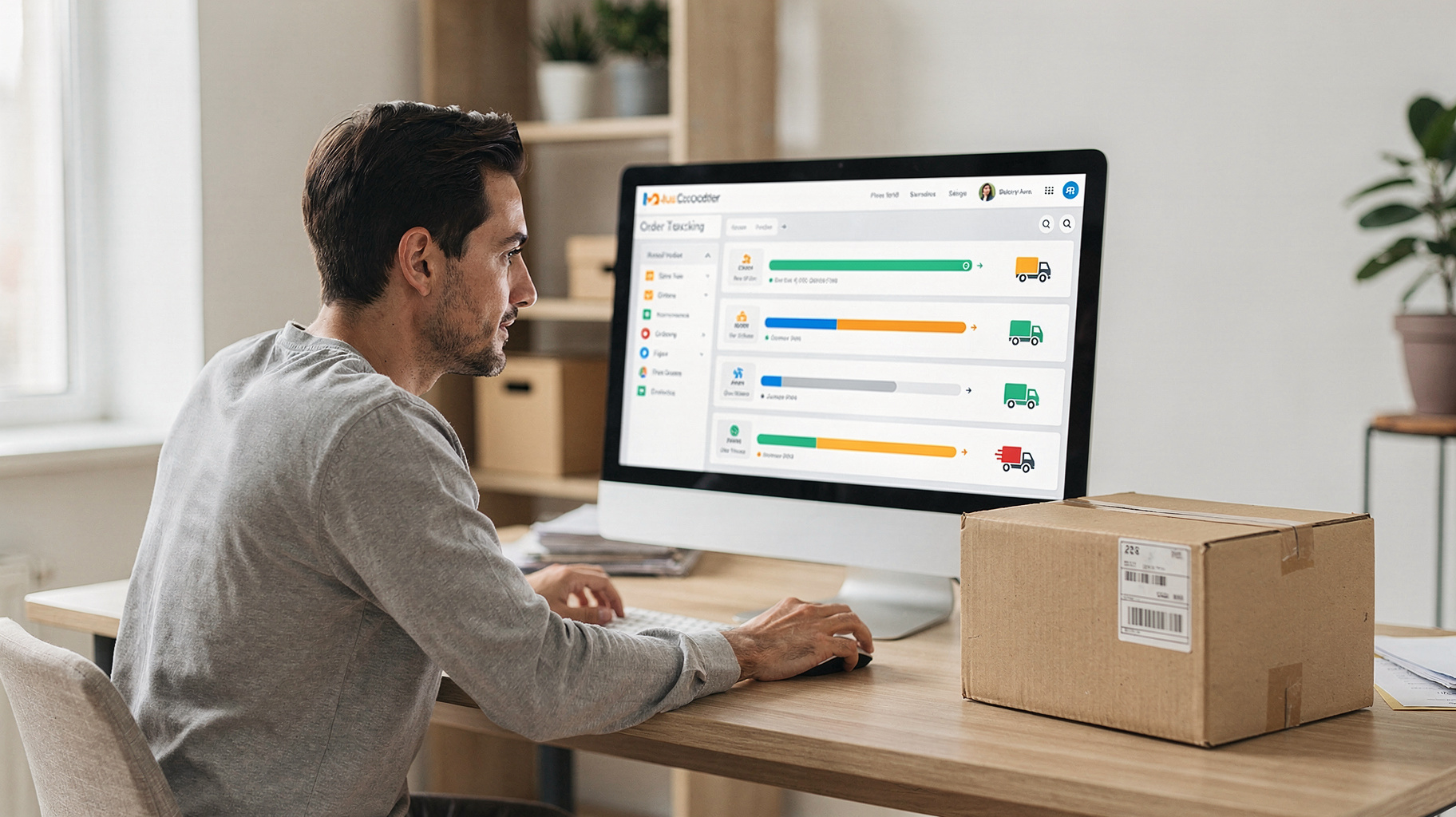
How to Reduce "Where Is My Order" Emails: A Playbook for Small Online Stores
Table of Contents
- Start with the information and access you already have
- Step 1: Find the gaps behind “where is my order” emails
- Step 2: Set delivery expectations before checkout and dispatch
- Step 3: Make tracking updates useful and easy to find
- Step 4: Write a useful order-status reply
- Step 5: Check whether the changes reduce avoidable contacts
- When a fix fails, trace the customer’s path
- Improve the system without adding unnecessary complexity
- Frequently Asked Questions
- Conclusion
A customer places an order, receives a confirmation, then writes two days later because the tracking link still says “label created.” The instinct may be to answer faster, but a quicker reply does not fix the missing information that prompted the email. To learn how to reduce where is my order emails, make order status clearer before customers feel they need to ask. This playbook recommends starting with accurate delivery expectations and useful tracking updates, then organizing the support process around the exceptions that need a person. You will learn how to identify the causes of order-status questions, improve the customer journey, and handle unresolved cases without overpromising or hiding delays.
Start with the information and access you already have
Reducing order-status emails starts with a clear picture of your current workflow, not a new support tool. Gather the order, shipping, policy, and inbox information your team already uses so you can identify where customers lose visibility and what changes are practical.
Before you start, you will need:
- Access to recent support emails or help-desk tags that identify order-status questions.
- Your current shipping, processing-time, delivery, and exception policies.
- A way to review order status and tracking information, such as your store admin and carrier tracking pages.
Estimated time: 60 to 90 minutes for an initial review, followed by time to make updates.
Skill level: Beginner to intermediate
Step 1: Find the gaps behind “where is my order” emails
To reduce where is my order emails, first work out what customers are asking about and when they ask. An order-status email can point to a missing confirmation, an unclear delivery estimate, a tracking link that is hard to find, or a shipment that is genuinely delayed. Treating all of these as one generic “WISMO” issue leads to broad replies that do not resolve the underlying problem.
Review a practical sample of recent messages from your inbox or help desk. Note when each customer contacted you, the order stage they were asking about, and what information they said was missing. Use a simple set of categories: before dispatch, tracking not updating, delivery date passed, marked delivered but not received, and address or order change. Add another category if a recurring issue does not fit.
This review also helps separate preventable questions from cases that need investigation. A customer asking where to find tracking needs better access to information. A parcel marked delivered but missing needs a different response and possibly a carrier inquiry. For broader ideas on reducing repetitive requests without losing visibility, see this guide to reducing support ticket volume.
What you do:
- Review recent order-status messages and record their main cause.
- Note the order stage and customer’s specific information gap.
- Identify the most frequent preventable question, then address that first.
Note: Do not assume every “where is my order” message is a communication problem. A carrier delay, fulfillment error, or address issue needs an operational fix, not just a clearer email.
Step 2: Set delivery expectations before checkout and dispatch
Customers ask about delivery when the information they received does not tell them what to expect. Show processing time separately from transit time, explain when the estimate begins, and avoid presenting a carrier estimate as a guarantee. That distinction matters because a package may take time to leave your warehouse before the carrier’s delivery clock starts.
Check every place where a shopper encounters timing information: product pages, shipping policy, checkout, order confirmation, and dispatch notification. Make the wording consistent across those locations. If an item is made to order or ships from a different location, say so on its product page rather than relying on a general shipping policy. For preorders, clearly state the expected dispatch period and explain how customers will receive updates if it changes.
Use language customers can interpret without needing to know your fulfillment process. For example, “Usually dispatched within two business days; delivery estimates begin after dispatch” is more informative than “Fast shipping.” If timing varies by destination or shipping method, state that and explain where the shopper can see the relevant estimate.
What you do:
- Write a plain-language processing-time statement.
- Explain the difference between processing and carrier transit.
- Update product, checkout, confirmation, and policy wording so the details agree.
- State how you will notify customers about a delay or change.
Pro Tip: Review the wording from a customer’s perspective. If they cannot tell when the order is expected to leave your store, they may interpret the delivery estimate as starting immediately after checkout.
Step 3: Make tracking updates useful and easy to find
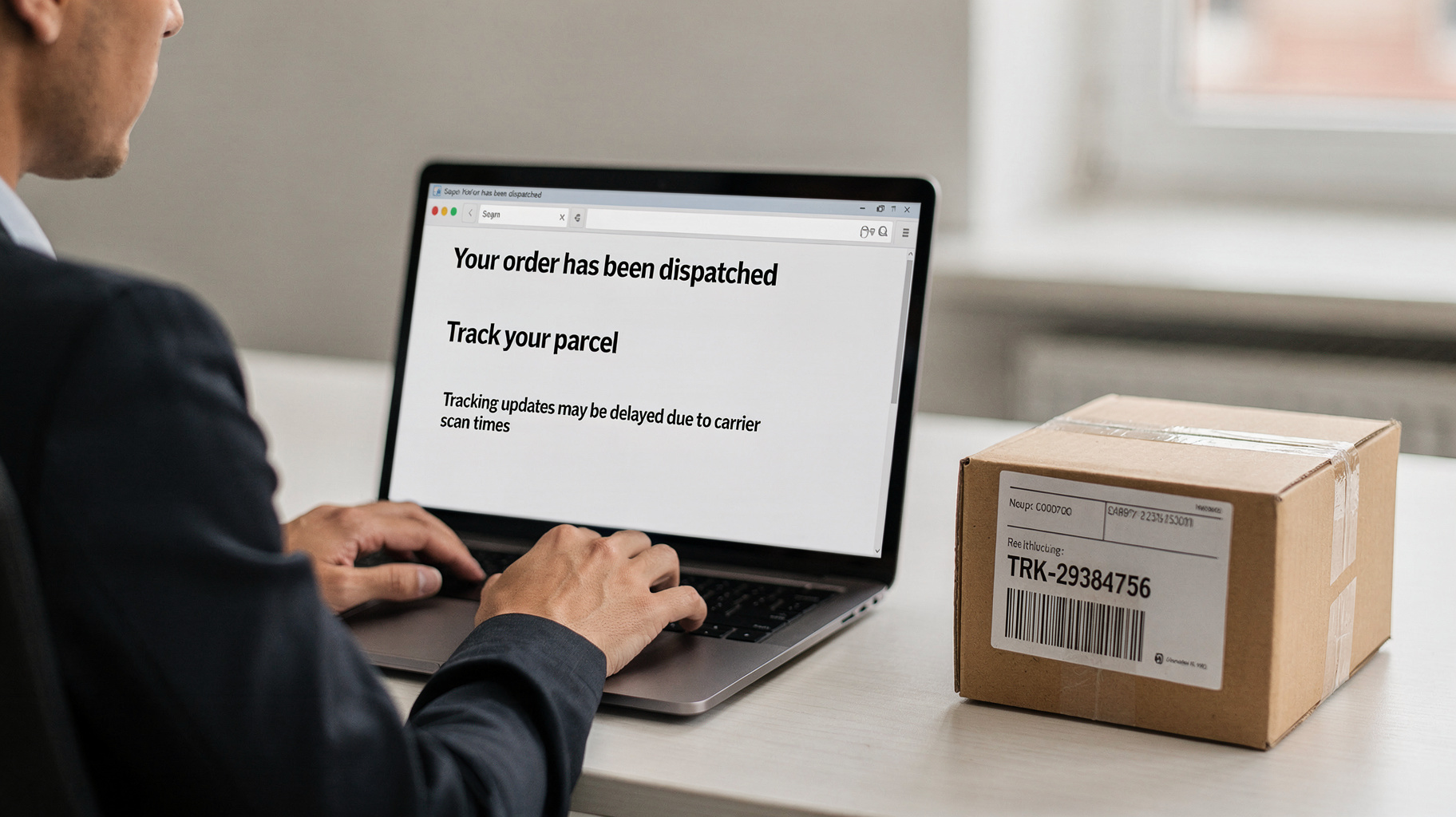
Tracking information reduces uncertainty only when the customer can locate it and understand what it means. Put the tracking link in the dispatch email, label it clearly, and explain that carrier scans may take time to appear after a parcel is handed over. A bare tracking number, or a link buried below unrelated content, can prompt customers to contact support even when the shipment is moving normally.
Check your post-purchase messages as a sequence. The order confirmation should confirm what was purchased and what happens next. The dispatch notification should provide the carrier, tracking link, and a straightforward explanation of the next step. If the carrier’s tracking page shows a status customers may find confusing, such as “label created,” explain that the carrier may not have recorded its first scan yet. Do not describe the parcel as moving unless the information you have supports that statement.
Keep the order-status path available from the confirmation and dispatch messages. If customers need to search through an account or contact your team to retrieve the tracking link, add a direct route. For guidance on how automated support can respond more quickly while preserving an escalation path, read about customer-service chatbots and response times.
What you do:
- Put the tracking link where it is easy to spot in the dispatch email.
- Name the carrier and explain the tracking status in plain language.
- Tell customers what to do if tracking has not updated after the stated waiting period.
- Check links and email content on mobile, where customers may read order updates.
Step 4: Write a useful order-status reply
A good reply answers the customer’s actual question, shares verified information, and gives a next step. It should not merely repeat a tracking link the customer may already have checked. Use a consistent structure, but leave room to personalize the response with the order’s real status and any action your team will take.
Start with a brief acknowledgment, then state the latest confirmed information and its source, such as the carrier’s tracking page or your fulfillment record. If the package has not received a scan, say that plainly rather than guessing where it is. Tell the customer when you will check again or what they can expect next, following your store’s actual policies. For a delivered-but-missing parcel, use the relevant investigation process instead of a standard delay message.
A reusable reply can help the team stay consistent, but it must not imply that a package is on its way when you cannot verify that. Keep policy-sensitive answers, including refund or replacement decisions, within the rules your store has set. If you want a starting draft, the free Where Is My Order reply generator builds a reply for common situations (not shipped yet, in transit, delayed, stuck in transit, delivered but not received) that you can edit before sending. For more on structuring handoffs when a request needs human judgment, see this guide to help-desk escalation for small businesses.
What you do:
- Acknowledge the specific concern.
- Share only the latest status you can verify.
- Give a clear next step, owner, or follow-up time.
- Escalate cases involving missing deliveries, address problems, or policy decisions.
Step 5: Check whether the changes reduce avoidable contacts
Once you have updated information and replies, check whether customers can find answers more easily. Compare order-status messages over a consistent period before and after each meaningful change. Look not only at the number of messages, but also at their causes: a drop in “where is tracking?” questions is useful, while a rise in missing-delivery reports may point to a separate fulfillment or carrier issue.
Use a modest, repeatable review process. Tag order-status emails by the categories from Step 1, then review the tags regularly. Check whether each message could have been prevented by clearer timing, a more visible tracking link, or a more useful notification. Also note whether customers still need to ask for a reply that promised an update, because missed follow-ups create new uncertainty.
Do not judge a change from a single busy day or a short-lived shipping disruption. The aim is to make the customer’s next step clearer and to reserve human support for problems that need investigation.
What you do:
- Track order-status contacts by cause over a consistent period.
- Compare patterns before and after a specific change.
- Review repeat contacts and missed follow-ups.
- Fix the information or operation behind recurring questions.
When a fix fails, trace the customer’s path
Most order-status problems persist because a store improves one message while leaving another part of the journey unclear. Diagnose the point where the customer’s expectation, the store’s information, and the shipment’s actual status stop matching.
Problem: Customers contact you before the order ships
Cause: The processing period is missing, hard to find, or presented as part of the delivery estimate.
Fix: State the dispatch window at product and checkout stages, and repeat what happens next in the confirmation email. If an item has a longer lead time, call it out before purchase rather than relying on a post-order explanation.
Problem: Tracking says “label created” for too long
Cause: A shipping label exists, but the carrier has not recorded a scan, or the parcel has not entered the carrier network.
Fix: Check your fulfillment records before telling the customer the parcel has been handed over. Explain the verified status and follow your stated process for checking again or contacting the carrier. Do not promise movement based on the label alone.
Problem: Customers say they cannot find tracking
Cause: The link may be buried, sent separately, or available only after logging in.
Fix: Put the tracking link prominently in the dispatch notification and make it accessible from the order confirmation or order-status page. Test the route as a customer, including on a phone and without assuming they remember their account password.
Problem: A customer says the order was delivered, but it is missing
Cause: The carrier’s delivery scan does not confirm that the intended recipient has the parcel.
Fix: Acknowledge the discrepancy and follow your store’s missing-delivery process. Check the available delivery details, confirm the shipping address, and explain what investigation or follow-up will happen. Avoid sending a routine “it was delivered” reply that leaves the customer without a next step.
Improve the system without adding unnecessary complexity
The best refinements make the next customer action more obvious. Start with changes that address a specific point of confusion, and keep automation inside the limits of what your records can verify.
Use order-stage language, not internal jargon
Customers do not need warehouse shorthand to understand whether an order is being prepared, dispatched, or delayed. Use simple, consistent labels in notifications and replies, then explain any status that could be ambiguous.
Set a follow-up rule for unresolved shipments
A reply that says “we will look into it” is incomplete without an owner or a time frame. Decide who checks the shipment, when they check it, and how they will update the customer. A reliable follow-up process can prevent the customer from having to send another email.
Keep automation within verified information
Templates or automated answers can handle common questions about where to find tracking or what a status means, but they should not invent shipment progress. Set a clear handoff for cases involving missing parcels, address corrections, conflicting records, and exceptions to store policy. This is the approach TicketBuddy takes: it answers repetitive customer emails using your own FAQs and shipping policy and hands anything it is unsure about to a person. Plans start at $39/month with a 14-day free trial, no card required, and the order-status automation page explains how it fits a small store's inbox.
Use customer language to improve your help content
Pay attention to how shoppers phrase their questions. If several ask whether a label means the parcel has shipped, explain that status in your confirmation or tracking guidance. If you also want to see which order-status questions customers repeat most, keep a simple list of their exact wording and update your FAQ or shipping page whenever a new phrasing appears more than once.
Frequently Asked Questions
How can a small online store reduce “where is my order” emails?
Start by identifying when customers ask and what information they lack. Make processing and delivery estimates distinct, put tracking links in easy-to-find places, explain confusing carrier statuses, and set a dependable process for delayed or missing shipments. Review repeat contacts to see which change addresses the real cause.
What should I include in an order tracking email?
Include a clear tracking link, the carrier name, and the order’s current confirmed status. Explain what customers should expect next, especially if the first carrier scan may take time to appear. Provide a support route for delays or missing deliveries, and avoid describing an order as shipped unless your fulfillment information confirms handoff.
How long should I wait before contacting a carrier about tracking?
Follow the carrier’s guidance and your own fulfillment records rather than applying one waiting period to every shipment. First verify whether the parcel was handed over and whether the carrier has posted an update. If the tracking page remains unchanged beyond your stated expectations, contact the carrier or follow your escalation process and tell the customer what happens next.
Should I use automated replies for order-status questions?
Automation can help with repeat questions when it uses accurate order data and approved store policies. It can explain where to find tracking or clarify common statuses, but uncertain cases should reach a person. Escalate missing deliveries, conflicting records, address changes, and decisions involving refunds or replacements.
What should I do when tracking says delivered but the customer has not received the package?
Acknowledge the issue and investigate rather than treating the delivery scan as conclusive proof the customer has the parcel. Confirm the shipping address and review available carrier details, then follow your store’s missing-delivery procedure. Give the customer a clear update plan and do not promise a replacement or refund unless policy supports it.
Conclusion
Order-status emails are useful feedback: they show where the customer journey leaves someone without a credible answer. The best first move is usually not to add another generic notification, but to fix the specific gap between the promised timeline, the tracking information, and the next action the shopper can take. Review the messages you already receive, make one targeted change, and check whether the same question continues to arrive. For how to reduce where is my order emails, use this decision rule: if customers lack information you can provide earlier, improve the relevant page or message; if a shipment’s status is uncertain or an exception needs judgment, route it to a person and commit to a clear follow-up.