How to Choose the Best Rank Tracking Software for Decisions That Go Beyond Position Changes
Table of Contents
- What You Need Before Comparing Rank Trackers
- Step 1: Define the Decision Your Rank Tracking Software Must Support
- Step 2: Choose Keywords, Locations, and Devices That Reflect Real Search
- Step 3: Compare Data Quality and Coverage, Not Just Feature Counts
- Step 4: Match Reporting to the People Who Will Act
- Step 5: Establish a Review Loop That Turns Movement Into Action
- Common Rank Tracking Problems and How to Fix Them
- Best-Practice Tips for More Useful Ranking Insights
- Frequently Asked Questions
- Conclusion
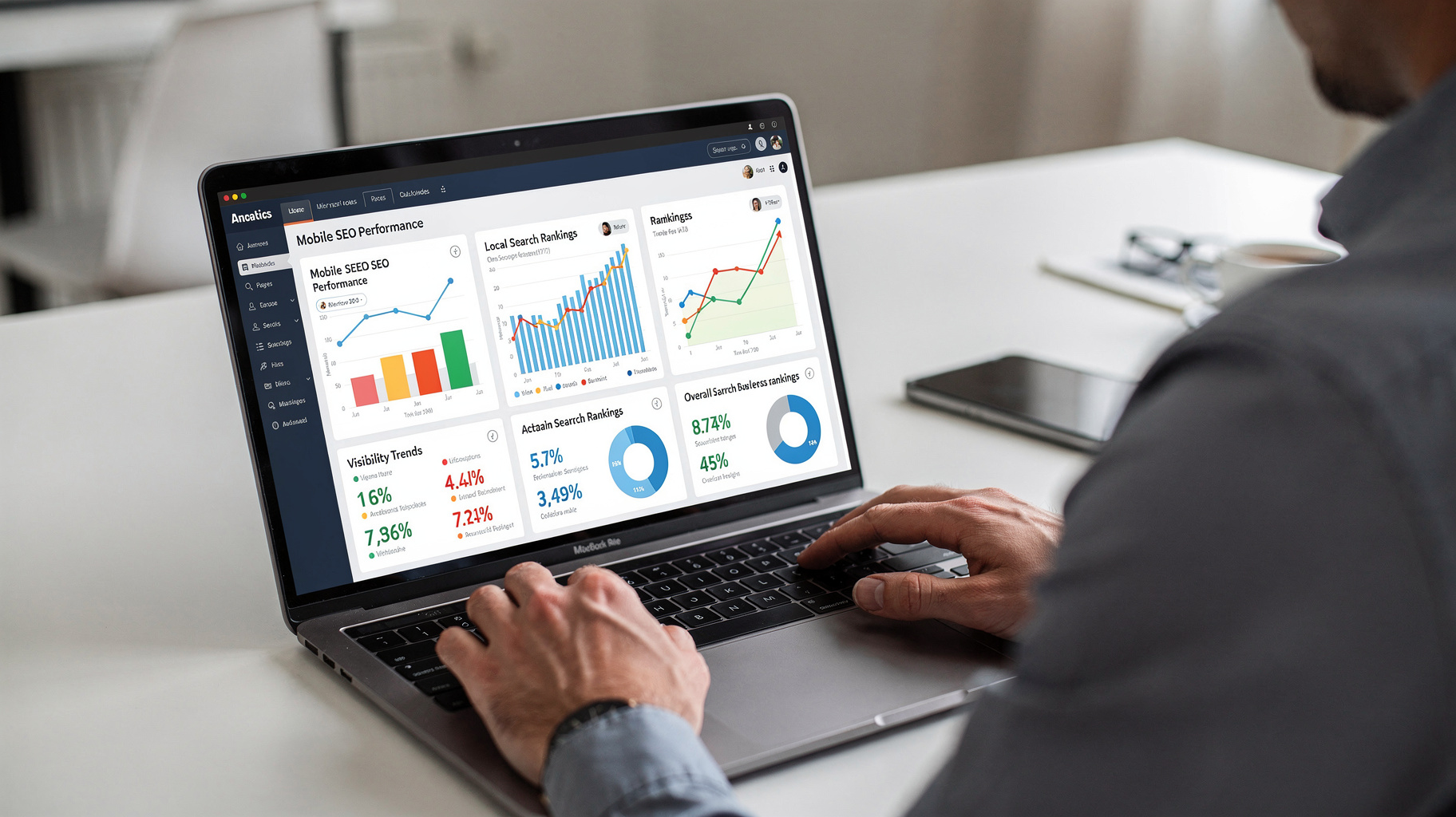
The best rank tracking software is the tool that helps you decide what to do next, not the one that produces the longest list of position changes. A keyword moving from position eight to seven can be encouraging, but it is not enough to show whether visibility, qualified traffic, or business outcomes improved. This guide gives you a practical way to assess tracking needs, compare tools without relying on vendor claims, and turn ranking data into decisions. You will learn how to set up a useful measurement baseline, account for mobile and local search, diagnose changes, and avoid common reporting mistakes. The goal is a tracking system that informs action rather than simply documenting movement.
(https://ticketbuddy.ai/blog/)
What You Need Before Comparing Rank Trackers
A useful rank-tracking setup starts with a clear measurement question. This guide shows you how to define what to track, evaluate data quality, compare software capabilities, and use ranking changes alongside other evidence so you can make better SEO decisions.
Before you start, you will need:
- A prioritized keyword list grouped by topic, intent, and business value. - Your target countries, regions, cities, and device types. - Access to search performance and website analytics data, where available.
Estimated time: 1–2 hours to define requirements and establish a baseline. Skill level: Beginner to intermediate.
Step 1: Define the Decision Your Rank Tracking Software Must Support
Before you compare the best rank tracking software options, write down the decision you need the data to inform. A position report without a decision attached often creates activity rather than insight. For example, you might need to know whether a refreshed service page is gaining visibility for commercial queries, whether mobile results differ from desktop, or whether a local landing page appears in the intended city.
Start by grouping keywords by purpose, not just by search volume. A set of queries about one product category may include informational searches, comparison searches, and ready-to-buy terms. If all of them are placed in one undifferentiated report, a broad average can hide the performance of the queries that matter most.
Also decide how you will interpret movement. A ranking change is a signal to investigate, not proof that a page change caused the movement. Search results vary by location, device, personalization, and time. Pair tracker data with search performance and analytics evidence before attributing a result to a specific SEO action.
A practical measurement brief can be short: “Track our target service terms on mobile in three priority cities, identify meaningful visibility changes, and flag pages that need investigation.” That sentence becomes a filter for every feature and report you assess.
(https://ticketbuddy.ai/blog/)

What you do:
- Write one sentence describing the decision the tracker should support. - Group target queries by topic, intent, and page. - Identify which market, device, and location each group represents. - Set a review cadence that matches your publishing and optimization workflow.
Note: Do not begin with every keyword you can export. A large, unprioritized list can make reports harder to interpret and may increase tracking costs without improving decisions.
Step 2: Choose Keywords, Locations, and Devices That Reflect Real Search
Your tracking settings determine what the ranking data means. A keyword tracked in the wrong country, city, or device context may produce a technically correct result that does not represent the audience you are trying to reach. Treat location and device selection as part of measurement design, not as optional configuration.
For national websites, start with the country and language that match your intended audience. For a local business, track the places it actually serves. A result seen from one city should not be generalized to every nearby area, because local search visibility can vary across a small geographic radius. If you have multiple service areas, keep those locations separate in reports.
Mobile and desktop results also deserve separate attention. A page can perform differently across devices because the result layout, search features, and user context differ. A “mobile” label alone is not enough: check that the tracker captures the intended search engine, country, language, and location at that device level.
Use a focused keyword set that represents different stages of intent. Include core commercial queries, relevant comparisons, and informational terms that support the customer journey. For a broader view of how ranking factors and search results evolve, see our overview of Google ranking signals.
What you do:
- Select the search engine, country, language, device, and location for each keyword group. - Separate local markets instead of merging them into one average. - Mark each query with its target page and intent. - Remove irrelevant or duplicate terms before adding them to a tracking project.
Pro Tip: Begin with a representative group of priority keywords, then expand after you know which reports lead to useful actions. This keeps initial setup manageable and helps you spot configuration errors early.
Step 3: Compare Data Quality and Coverage, Not Just Feature Counts
The best rank tracking software should make its measurement method understandable. During evaluation, ask what the tool tracks, how often it refreshes, which devices and locations it supports, and how it reports search features. A long feature list is less valuable than clear answers to those questions.
Check whether the platform distinguishes organic listings from paid placements and SERP features. A page may appear in a featured result, local pack, image block, or other search element without its traditional blue-link position telling the full story. If the software records only a single position, you may miss a change in how much visual space your result occupies.
Review historical data and reporting consistency as well. A tracker should help you compare like with like: the same query, location, device, and search engine over time. Changes in configuration can look like ranking changes, so look for a record of settings and a way to annotate important edits.
One 2026 comparison reports that a position value was consistent across consecutive days 31.7% of the time, underscoring why a single daily reading should not be treated as a durable trend (Best Rank Tracking Software 2026: 12 Tools Tested on Live SERPs). Use that figure as a reminder to evaluate trend quality and corroborate important movements, rather than as a universal guarantee about every tracker or keyword.
What you do:
- Ask vendors or reviewers how location, device, and update frequency are handled. - Check whether SERP features and organic results are reported separately. - Confirm that you can inspect historical data and annotate changes. - Test a small set of queries and compare the output with a manual search performed under a clearly defined context.
Step 4: Match Reporting to the People Who Will Act
A rank tracker is useful only when the right person can understand its output and take the next step. Choose reporting that supports your real workflow: an SEO specialist may need keyword and URL detail, while a manager may need a concise trend view tied to priorities. Do not confuse a polished chart with an actionable explanation.
Look for ways to segment reports by landing page, topic, location, device, and intent. These views help answer questions such as, “Are the pages we optimized gaining visibility for the queries they target?” or “Did the local decline affect one market or all of them?” A site-wide average can conceal both gains and losses across individual page groups.
Consider how reports fit with your existing analytics and task processes. The tracker does not need to replace other measurement systems. Instead, it should help you identify a change, assign an investigation, and record what you learn. If you also maintain a manual spot-check process, this guide to checking keyword rankings on Google can help clarify the difference between a controlled check and a broader performance view.
What you do:
- Choose a small number of report views that match recurring decisions. - Include target page and keyword intent in reports. - Decide who reviews changes and where follow-up actions are recorded. - Keep detailed exports available for diagnosis, but avoid sending every recipient every metric.
Step 5: Establish a Review Loop That Turns Movement Into Action
After choosing a platform, set a baseline and a repeatable review process. Record the tracked keywords, target URLs, device, location, and configuration date. Then review movement in context rather than reacting to every daily fluctuation. The objective is not to eliminate uncertainty; it is to make investigations consistent and evidence-led.
When a query changes, first check whether the measurement settings stayed the same. Then review the search results page, the landing page, and the relevant Search Console and analytics data. Ask whether the change affected a priority query group, whether the intended URL is still appearing, and whether clicks or engagement show a corresponding shift.
Record meaningful actions, such as a page refresh, internal-link update, or technical fix, with dates. That history makes later comparisons more informative, although it does not prove causation on its own. Avoid changing several major elements at once if you want to learn which intervention may have contributed to a later result.
What you do:
- Save a dated baseline with keyword, URL, device, and location settings. - Review trends on a consistent schedule that fits your work. - Investigate material changes using search-result and site-performance evidence. - Document actions and observations without claiming that correlation proves cause.
Common Rank Tracking Problems and How to Fix Them
Most tracking problems come from inconsistent settings or overinterpreting a metric. Before changing a page because of a report, rule out these common sources of confusion.
Problem: Rankings look different from a manual search
Cause: Your browser search may use a different location, device, language, or personalization context than the tracker.
Fix: Compare like with like by aligning search settings as closely as possible. Treat a manual search as a spot check, not a replacement for consistent historical tracking. For local queries, verify that the tracked location matches the service area you care about.
Problem: The average position is flat despite visible page improvements
Cause: A broad keyword group can combine terms with different intent, search demand, and page targets.
Fix: Segment the report by topic, query intent, and landing page. Check whether the specific keyword cluster affected by the change is moving, rather than relying on an account-wide average. Make sure the keywords still map to the pages you intend to measure.
Problem: A sudden drop triggers unnecessary page edits
Cause: A short-term movement may reflect normal search-result variation, a changed SERP layout, or a tracking configuration change.
Fix: Confirm the device, location, and search engine settings first. Look for a sustained pattern and compare it with Search Console data before making substantial edits. If the ranking shift is real, inspect the results page and the affected landing page to identify a plausible cause.
Problem: Reports show positions but no clear business impact
Cause: The report does not connect rankings to search visibility, clicks, landing pages, or conversion goals.
Fix: Add context from your analytics and search performance sources, and prioritize queries by intent and business relevance. A position change for a low-priority phrase should not automatically outrank a smaller movement on a page that supports a core business goal. Keep reporting focused on decisions, not volume.
Best-Practice Tips for More Useful Ranking Insights
The strongest tracking habits make the data easier to interpret and harder to misuse. These practices build on your setup and help keep reports connected to decisions.
**Track query groups and target pages together**
A keyword without a target URL is difficult to interpret. Record the page you expect to rank for each important query, then investigate when another URL appears or the intended page loses visibility. This can reveal a mismatch between content and search intent.
**Annotate meaningful changes**
Add dates for page launches, title updates, major content revisions, and technical releases. Annotations create useful context when you review later movement, while still leaving room for other causes such as competition or search-result changes.
**Separate visibility from outcomes**
Rankings describe where results appear under a defined search context. They do not directly measure qualified visits, leads, or revenue. Compare tracking with click and conversion data before deciding that a position gain represents business improvement.
**Review the result page, not just the number**
When an important query shifts, inspect what appears in the result itself. A local pack, answer feature, or other prominent element may affect visibility and user choices even when the traditional position changes little. This gives you a better basis for deciding whether to revise the page or adjust your measurement.
Frequently Asked Questions
What is the best rank tracking software for SEO?
The best rank tracking software is the one that reliably measures your priority keywords in the locations and devices that matter, then presents the data in a form your team can act on. Compare update frequency, SERP feature coverage, historical reporting, segmentation, and workflow fit rather than choosing based on feature count alone.
How often should you check keyword rankings?
Set a review schedule that matches your publishing and optimization work, and avoid treating every daily movement as a meaningful change. Frequent data can help with monitoring, but interpretation still requires context. Compare consistent settings over time and verify important changes against search performance, landing-page, and search-result evidence.
Should I track mobile and desktop rankings separately?
Yes, when both device audiences matter to your site. Search results and layouts can differ between mobile and desktop, so separate tracking helps you spot device-specific patterns. Keep other settings, including location, language, and search engine, consistent when making comparisons.
Can Google Search Console replace rank tracking software?
Google Search Console provides valuable performance information about impressions, clicks, and average position across your site, but it does not replace every purpose of a dedicated tracker. A rank tracker can offer controlled comparisons by keyword, device, and location. Use the two sources together, recognizing that their measurement methods differ.
What should I do when rankings suddenly drop?
First confirm that the tracking settings have not changed. Then check whether the movement persists, inspect the search results and affected page, and compare available search performance and analytics data. Avoid making broad edits based on one reading; identify the scope of the change before choosing a response.
Conclusion
Choose tracking software by the decisions it supports, not by how many metrics it can display. A disciplined setup connects keywords to pages, separates relevant devices and locations, and treats ranking movement as a reason to investigate rather than a verdict on performance. Before committing, write down your measurement requirements and test whether the reporting answers a real question your team faces. The most common failure is reacting to an isolated position change as if it explains traffic or business results. Avoid that trap by checking settings, trends, and supporting evidence first. The best rank tracking software makes that careful process easier to repeat, so your next action is based on more than a number.